
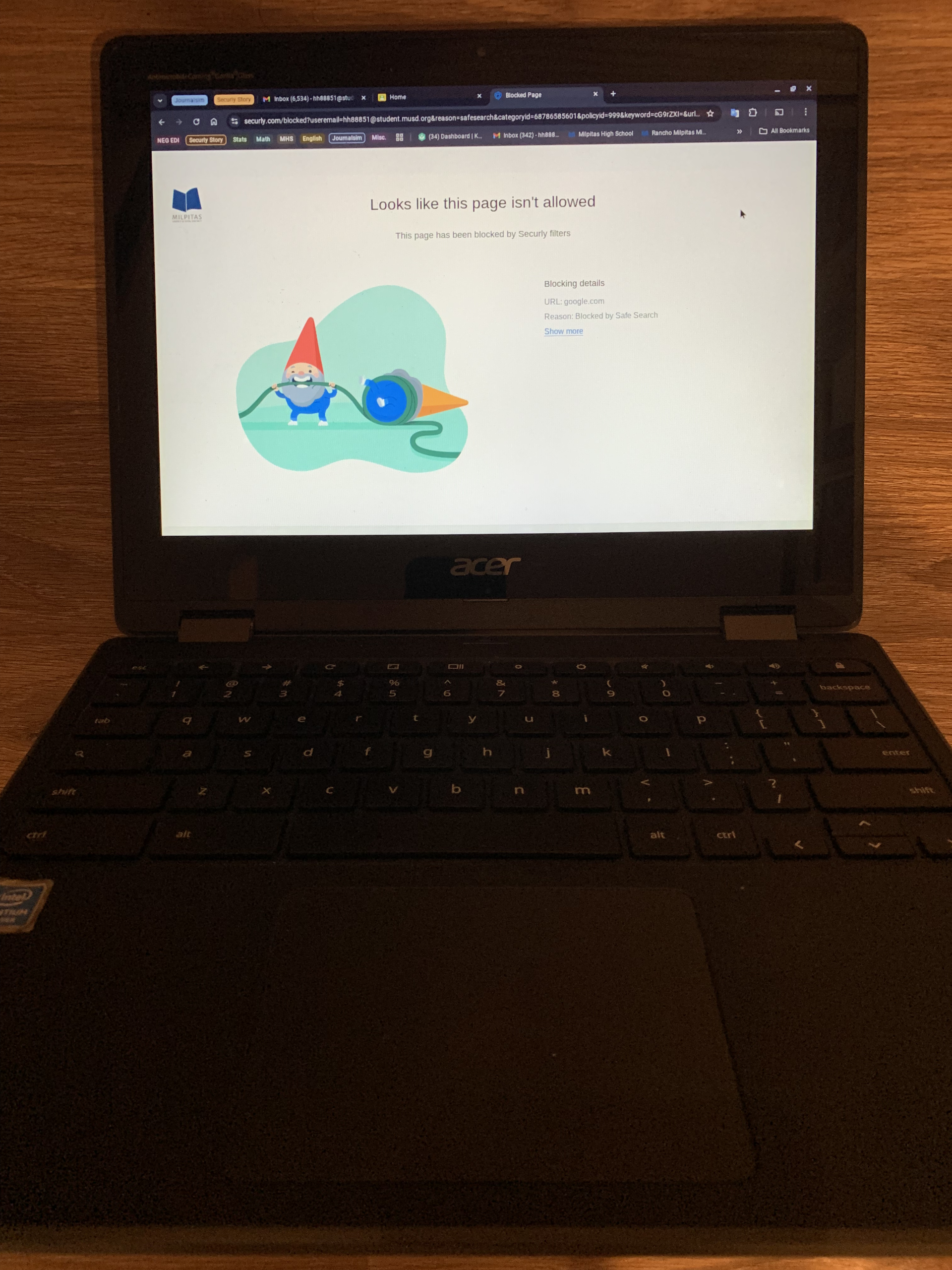
Securly, a K-12 online protection and anti-virus program used by MUSD, has implemented loading screens that appear when users open sites, images, and search terms to counteract the issues with Google Chrome’s Manifest V3 extension framework, which created opportunities for students to break filtering rules before a page fully loads, according to the Securly support page. The support page states that the loading overlay scans sites and images to determine if they follow the “user’s policy.”
Securly also enforces image filtering on student Chromebooks through a three-step process that includes keyboard scanning to filter out explicit words and phrases, enabling a search engine’s “safesearch” feature, and only displaying Creative Commons-licensed images, according to the support page.
“Image filtering has been a feature in Securly for over 8 years,” a Securly engineer said in an email interview. “When Google makes changes, we (Securly) work to ensure the end-user experience is as safe and smooth as possible. Our goal is to ensure we work within the Google infrastructure to make learning as seamless as possible.”
In a survey with 192 MHS student-respondents, 90.1% of students reported being annoyed by the loading screens. When asked whether or not search results were filtered out and how greatly it affected them academically, 73.4% of students reported search results being censored and that it either fairly or greatly affected them academically.
Schools have full control over their filtering policy decisions, the engineer said. The criteria for categorizing websites and search terms all follow Securly’s description of the category, and the school district decides which policy category to block, the engineer added.
“The school district has control over their allow/deny list (for websites),” the Securly engineer said. “When a district has a question, they can call or email our support team or their customer success representative.”
Securly keeps track of all malicious and explicit websites, then categorizes them, MUSD Network Manager Thao Xiong said. Some of these website categories include ponography, network misuse, and social networking, and the district simply chooses to block all websites under one of these categories, Xiong said in a follow-up email.
“If we find a website that isn’t categorized correctly, then we ask them (Securly) to take another look at it and recategorize it,” Xiong said.
With over 250,000 websites created each day, a site can be falsely blocked for being miscategorized, the engineer said.
“Similar to a SPAM filter moving an innocuous email to your junk folder or antivirus flagging a legitimate file, content filters and categorization can be incorrect,” the Securly engineer said. “Securly works to make constant improvements to our categorization engine, and we continuously recategorize websites to keep up with the dynamic nature of the Internet.”
The district decided that Chrome extensions also needed to be blocked due to security reasons, MUSD Director of Technology Chin Song said.
“There are extensions that allow you to go through and then around filters, and there are others that exploit some vulnerabilities in the Chrome system,” Song said.
Social studies teacher Paul Harrison uses Securly in his classroom to monitor students during tests and assignments, he said. This year, he has encountered the Securly loading screens when opening websites and using Google Maps to teach students, which has hindered his teaching, he said.
“It (Securly) is making my teaching job really, really difficult because I use a Chromebook up in the front for display when I do lectures and things like that,” Harrison said. “I was in my ancient history class, and I wanted to show them (students) the Giza Plateau in Egypt. And every single time I zoomed in, it went through that filter, and it was making it impossible.”
MUSD teachers can appeal the blocking of certain websites, and IT can then troubleshoot the blocking, Xiong said.
“We have tickets in here and there that teachers can submit for us to look at,” Xiong said. “Just to make sure it’s not a malicious website.”
The loading screens should either be removed or made faster, senior Jeric Flanagan said.
“My guess is that students are finding a way to search up inappropriate things,” Flanagan said. “But still, I believe it (loading screens) shouldn’t affect every student because it’s slowing them down from what they have to do.”
Securly’s filtering of images has made it harder to find credible images for school presentations, Flanagan said.
“I feel like I’m being oppressed in a way,” Flanagan said.